
Portal Logins & Report Downloads
Log into the portals you already use, download the reports and invoices on a schedule, and file them automatically — using your own Chrome and your own sessions.
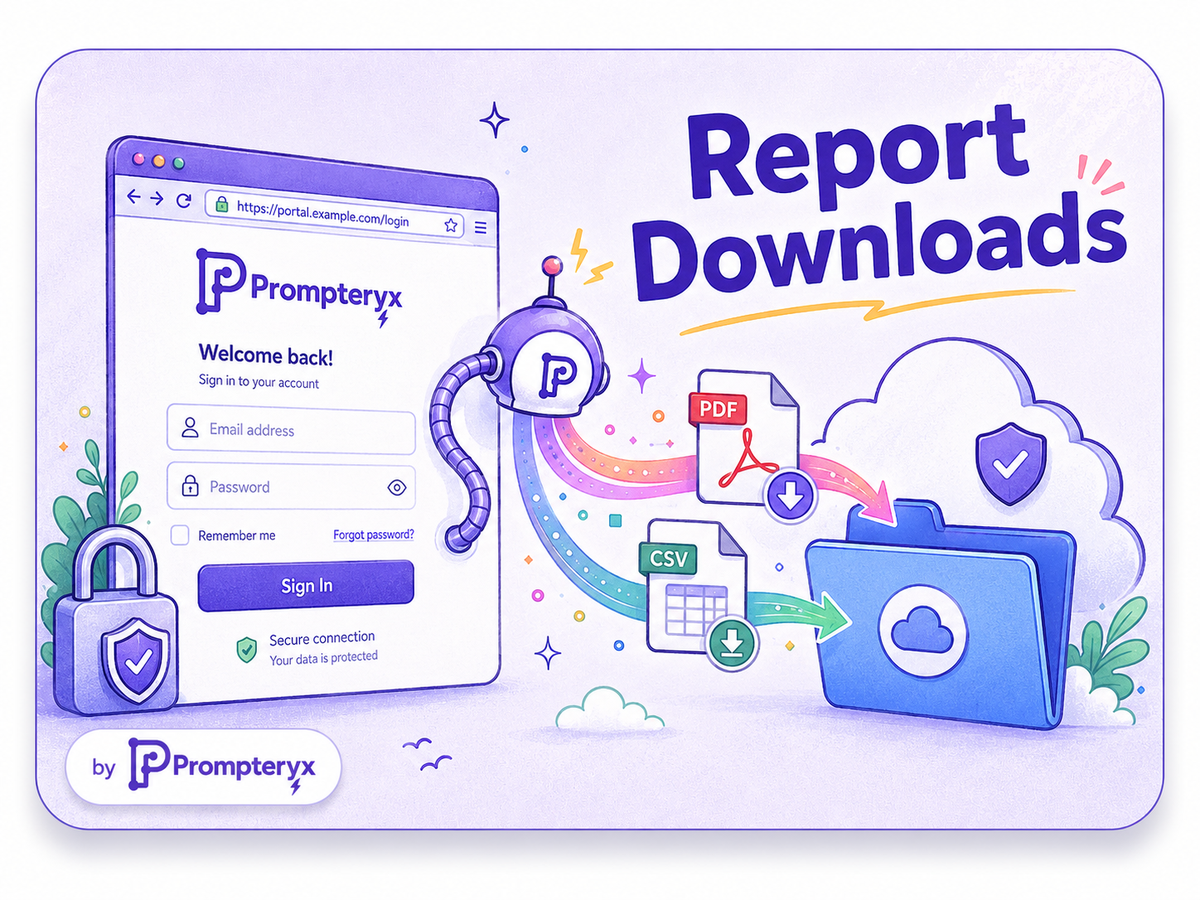
Every month someone logs into a handful of portals — banking, ad platforms, suppliers, analytics — clicks through to a report, downloads a file, renames it and drops it in a folder. It's pure routine, and it's perfect for automation.
Prompteryx can do this on your own local Chrome, reusing the logins you already have, so there's no re-authentication and sensitive sessions never leave your machine. It downloads the file, then files it for you — into Google Drive, an email, or wherever it belongs — and records the whole run so you have proof it happened.
The problem
Recurring downloads are tedious and easy to forget, and many of these portals require MFA or living logins that cloud-only tools can't reach without re-authenticating.
How it works in Prompteryx
Use Prompteryx Desktop to drive your local Chrome with the sessions you're already logged into — no re-auth, nothing sensitive leaving your machine.
Open the portal, click through to the right report or invoice, and set any date filters.
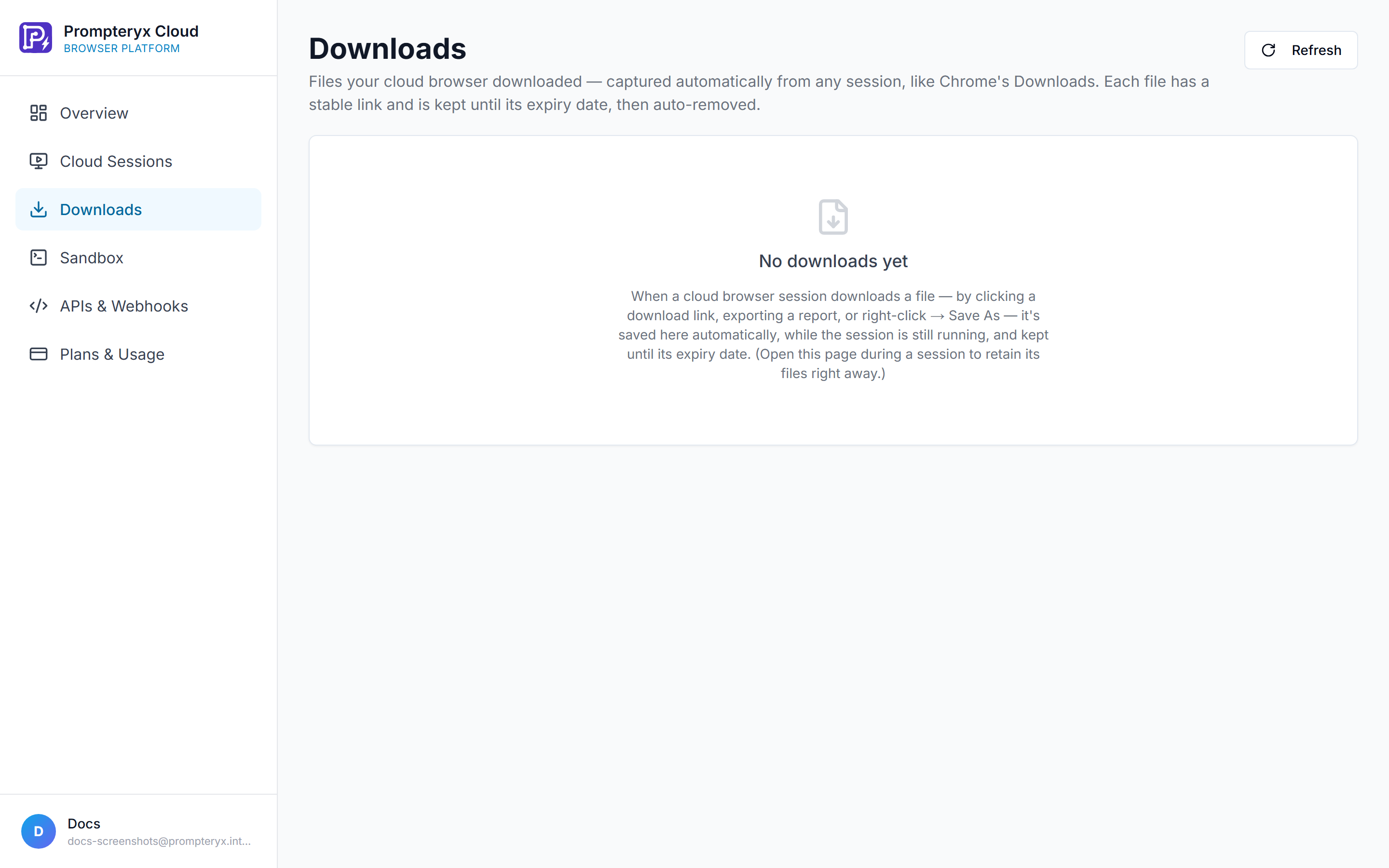
Capture the download — PDF, CSV, statement — into the workflow.
Upload to Google Drive, attach to an email, or push to your accounting tool via the integration hub, named consistently.
Run it monthly or weekly. Each run is recorded as video so you can confirm it happened.
Start from a working workflow
Automated Login & Navigation
Adapt the form-filler pattern to log in, navigate to a report and trigger the download, then file the result.
Capture Screenshots & PDFs
When a portal only shows a report on screen, capture a full-page screenshot or generate a PDF you can archive.
See it in Prompteryx
Why Prompteryx for this
Use your local Chrome
Run on your actual machine with your existing, MFA-protected logins. Cloud-only competitors simply can't reach sessions that live in your browser.
File downloads + filing
Captured files are uploaded to Drive, emailed, or pushed to your accounting tool in the same workflow — not left in a downloads folder.
Scheduled & reliable
Set it monthly and forget it; the run happens on time whether or not you remember.
Proof of every run
A video recording and step log of each download means you can always show it ran and what it fetched.
Real-life examples
Log into five SaaS billing portals on the 1st, download each invoice as PDF, and drop them in the finance Drive folder named by vendor and month.
Pull weekly performance CSVs from ad platforms and append them to a master reporting sheet.
Download statements from your bank on your own Chrome (where MFA already trusts the device) and archive them automatically.
Frequently asked questions
Why run on local Chrome instead of the cloud?
Because the logins, cookies and MFA trust already live in your browser. Running locally means no re-authentication and no sensitive credentials leaving your machine — something cloud-only tools can't offer.
Can it handle the downloaded file, not just click download?
Yes. The file is captured into the workflow and then uploaded to Drive, emailed, or sent to another app, renamed consistently — fully filed, not just downloaded.
What about portals that only display a report on screen?
Capture it as a full-page screenshot or generate a PDF from the page, then archive that — useful when there's no download button at all.