
Form Filling & Data Entry
Stop retyping the same data into web portals. Map it once from a spreadsheet and let a real browser submit every record — on a schedule, with proof of each submission.
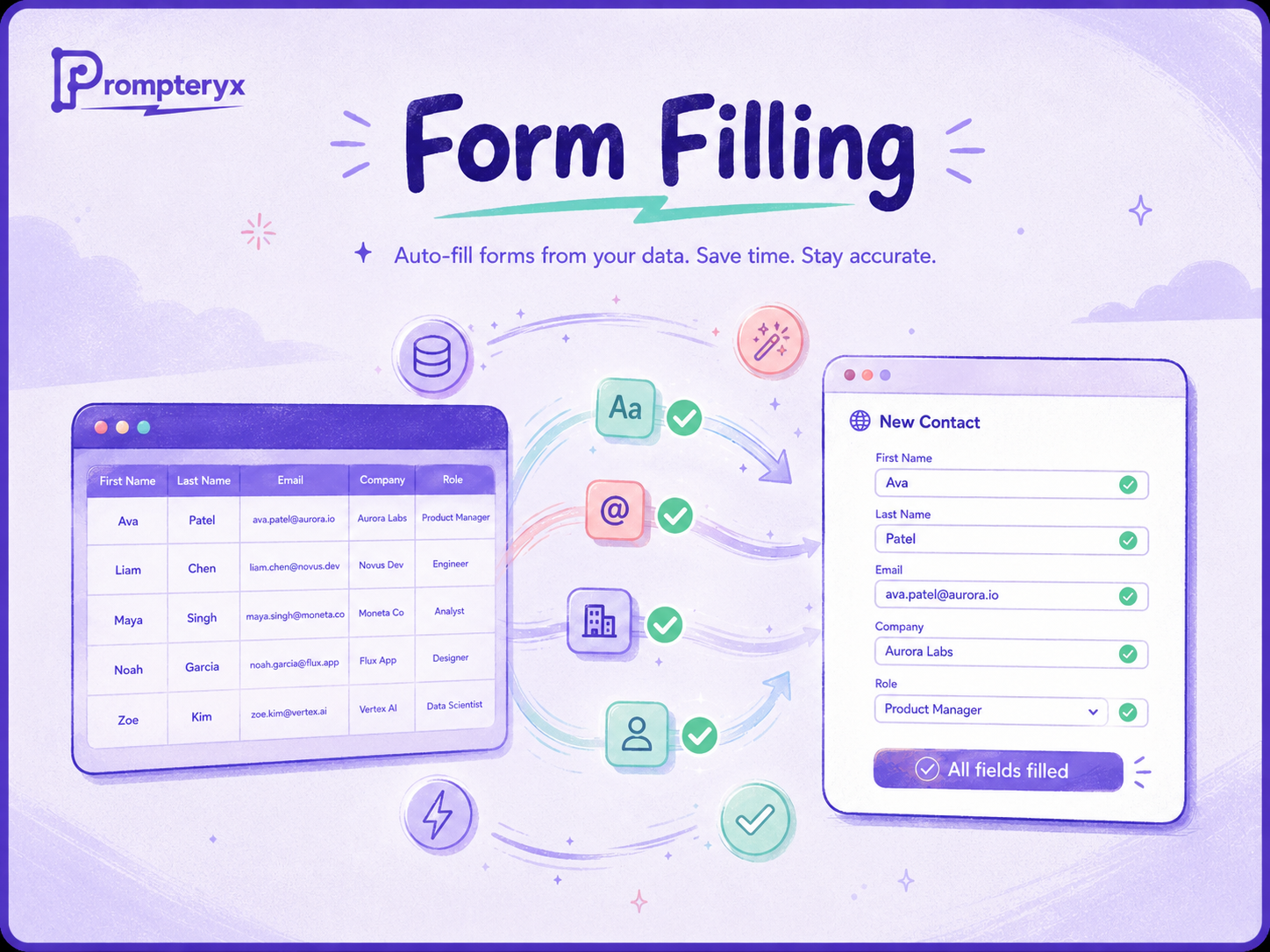
Data entry is the most automatable work there is, yet it's still done by hand because the forms live in portals with no API, no bulk import, and fiddly fields. Prompteryx handles exactly that: it reads your records from a spreadsheet or database, drives a real browser through each form — including dropdowns, checkboxes, file uploads and multi-step wizards — and submits them one after another.
Because you can record yourself filling a form once and turn that recording into the workflow, set-up takes minutes, and the automatic selector picker keeps it working when the portal changes.
The problem
Internal and government portals rarely offer bulk upload or an API, so teams retype data row by row — slow, error-prone, and impossible to audit when something is entered wrong.
How it works in Prompteryx
Pull pending records from Google Sheets, Airtable or a database — only the rows that still need submitting.
Walk through the form yourself; Prompteryx records every action with robust selectors and turns it into a reusable workflow.
Bind each form field to a column so every row fills correctly, including dropdowns, checkboxes and file uploads.
Loop through the rows, submit each one, and capture the confirmation — writing the result back to your sheet.
Process new rows hourly or on demand, fully server-side, with a video recording of every submission for audit.
Start from a working workflow
Automated Form Submission
Read pending rows from Airtable/Sheets, open the form, map fields and submit — the bulk data-entry workhorse.
Fill Out a Web Form
A complete guide template: text inputs, dropdowns, checkboxes, file uploads and character-by-character typing.
See it in Prompteryx

Why Prompteryx for this
Automatic selector picker
Click the field once and Prompteryx captures several robust selectors for it — no DevTools, no hand-written CSS, and it self-heals when the portal changes.
Record-to-workflow
Fill the form by hand a single time; the recording becomes a reusable workflow you can run forever at zero AI cost.
Handles hard fields
Native dropdowns, checkboxes, file uploads and multi-step wizards are all supported — not just simple text inputs.
Audit trail by default
Every submission is recorded as video with a step log, so you can prove exactly what was entered and when.
Real-life examples
Submit 300 attendee registrations from a spreadsheet into an event portal overnight, with a confirmation captured per row.
Enter recurring filings into a council or tax portal each month, with a video record of every submission for your files.
Push new CRM records into a supplier portal that has no API, hourly and hands-free.
Frequently asked questions
What if the portal has no API?
That's exactly what this is for. Prompteryx drives the real web form like a person would, so any portal you can fill by hand can be automated — no API needed.
Can it handle dropdowns, checkboxes and uploads?
Yes. Native <select> dropdowns, checkboxes, radio buttons, file uploads and multi-step wizards are all supported, not just plain text fields.
How do I prove what was submitted?
Every run is recorded as video alongside a step-by-step log, and you can write each confirmation back to your source sheet — a complete audit trail.
Do I have to build it from scratch?
No. Record yourself filling the form once and Prompteryx converts that into the workflow; then it replays for every row automatically.