Prompteryx Documentation
How to get things done with Prompteryx: one chat that answers, creates, researches, browses and automates.
Start here
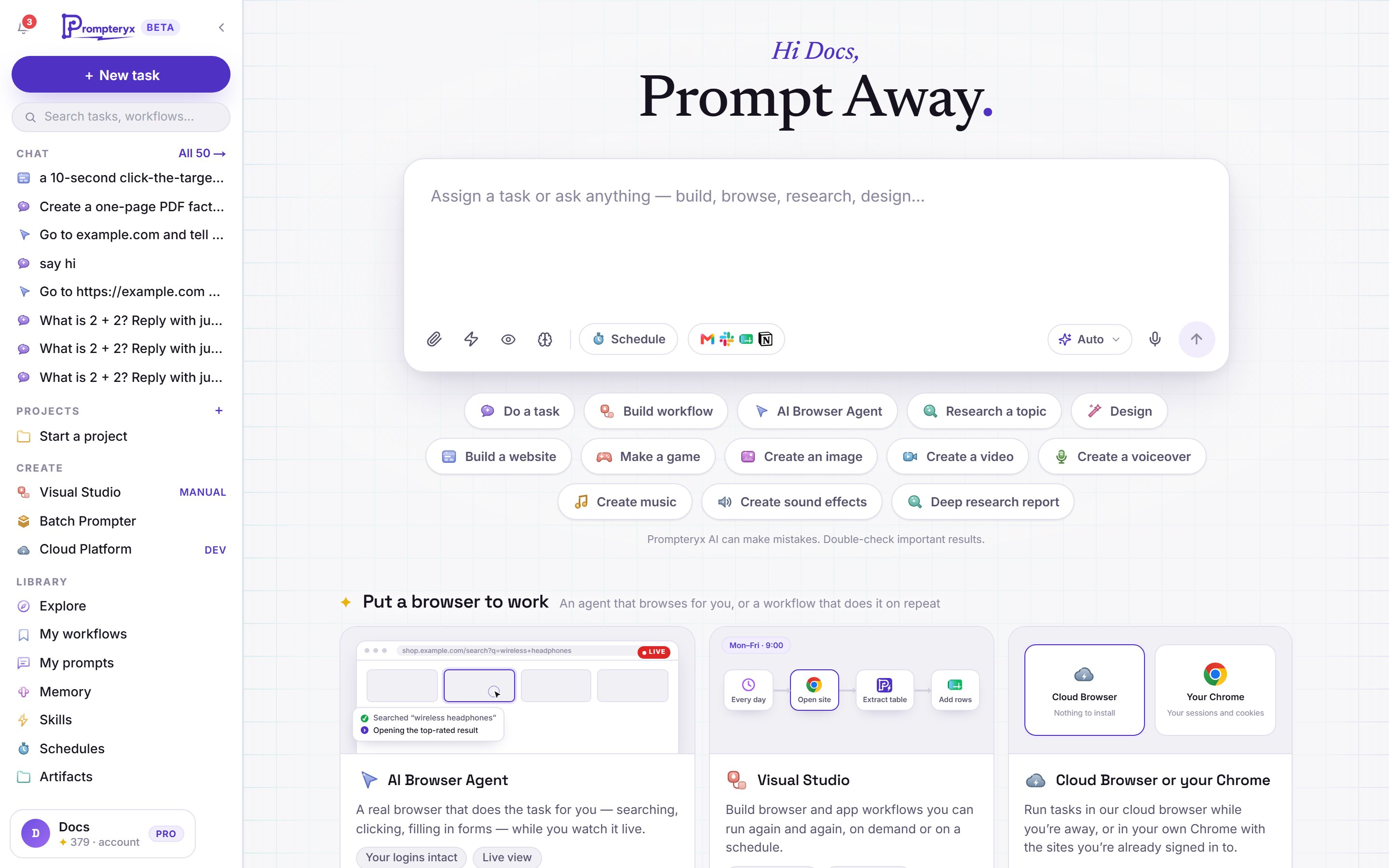
The Prompteryx app
When you sign in, you land on the app: one chat that works with any model, builds websites and games, makes images, video, music and voiceovers, writes documents, slides and spreadsheets, does cited research, runs the AI Browser Agent and builds workflows. Type what you want and send it.
Tools and apps

AI Browser Agent
An agent that opens a browser and does the task while you watch, in the cloud or in your own Chrome.

Visual Studio
Build and edit workflows node by node, run them on demand or on a schedule.
Prompteryx Desktop & Prompteryx in Chrome
Run the AI Browser Agent and workflows in your own Chrome with your logins, and use the agent in Chrome's side panel.

Batch Prompter
Run a spreadsheet of prompts through ChatGPT, Gemini and other AI sites.
Developers
REST API, SDK, CLI and MCP: run agents, workflows and cloud browsers from your own code.
Getting started
Nothing to install for most things: the app and cloud browsers work in your web browser.
- Sign in and send your first task, for example "Go to example.com and tell me the main heading".
- Connect your apps (Gmail, Sheets, Slack, Notion and 3,000+ more) from the app icons in the message box.
- Optional: install Prompteryx Desktop and Prompteryx in Chrome to run automations in your own Chrome with your logins. Batch Prompter needs them.
- See how the pieces fit: the app, the AI Browser Agent, Visual Studio, cloud and local browsers.
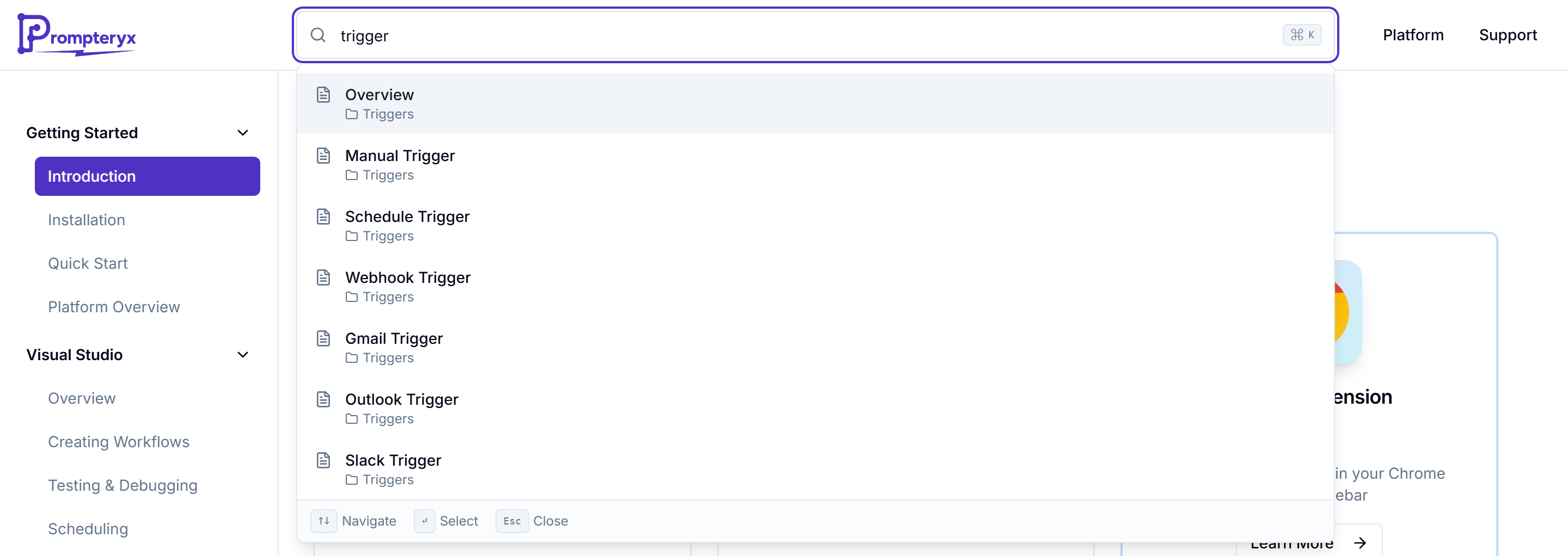
Popular topics
What you can make
Websites, games, images, video, music, documents and research
AI Browser Agent in the chat
Cloud or your own Chrome, and the outcome card
Models and Auto
How the app picks a model, and how to choose your own
Schedules
Run any chat task again on its own
Explore
Share what you made and remix what others made
Personal agent
Daily briefs, page watches and approvals (beta)
Creating workflows
Build automations in Visual Studio
Prompteryx in Chrome
The agent in Chrome's side panel
Structured output
Get answers back as clean JSON
Nodes reference: every workflow node, with examples