Cloud Browser Quickstart
Spin up a real Chrome browser in our cloud and drive it from your code in under five minutes. For the full reference, see Cloud Browser API.
1. Get an API key
Sign in, open Cloud Platform → API Keys, and create a key under Cloud-browser keys (pcb_live_…). Copy it now — keys are shown once and stored hashed. Paste it into your environment:
PROMPTERYX_API_KEY=pcb_live_xxxxxxxxxxxxxxxx2. Install the SDK
@prompteryx/cloud-browser package below is not published yet, so the install command will 404. Today, use the published @prompteryx/sdk instead — npm install @prompteryx/sdk — and drive the cloud browser with px.cloudBrowser.sessions.create() + chromium.connectOverCDP(session.connectUrl), or follow the raw HTTP + Playwright path in the full reference. The PrompteryxCloud examples below preview the dedicated package for when it ships.Once published, the dedicated package is dependency-free apart from playwright-core:
npm i @prompteryx/cloud-browser playwright-core3. Your first session
Create + connect in one step, then drive it like any local Playwright browser:
import { PrompteryxCloud } from "@prompteryx/cloud-browser";

const pc = new PrompteryxCloud({
  apiKey: process.env.PROMPTERYX_API_KEY!,
});

// connect() creates a session AND returns a connected Browser.
const browser = await pc.connect({
  recordSession: true,         // optional — captures an MP4 you can play back later
  proxy: true, country: "GB",  // optional — route through a residential UK proxy
});

const page = await browser.newPage();
await page.goto("https://example.com");
console.log(await page.title());
await page.screenshot({ path: "out.png" });

// closing the browser also closes the cloud session, finalises the
// recording (if enabled), and stops billing for this session.
await browser.close();
That's it. The session is live in our packed AWS fleet, the proxy is metered per byte, and the recording is in S3 the moment browser.close() returns.
4. Watch it run (live view)
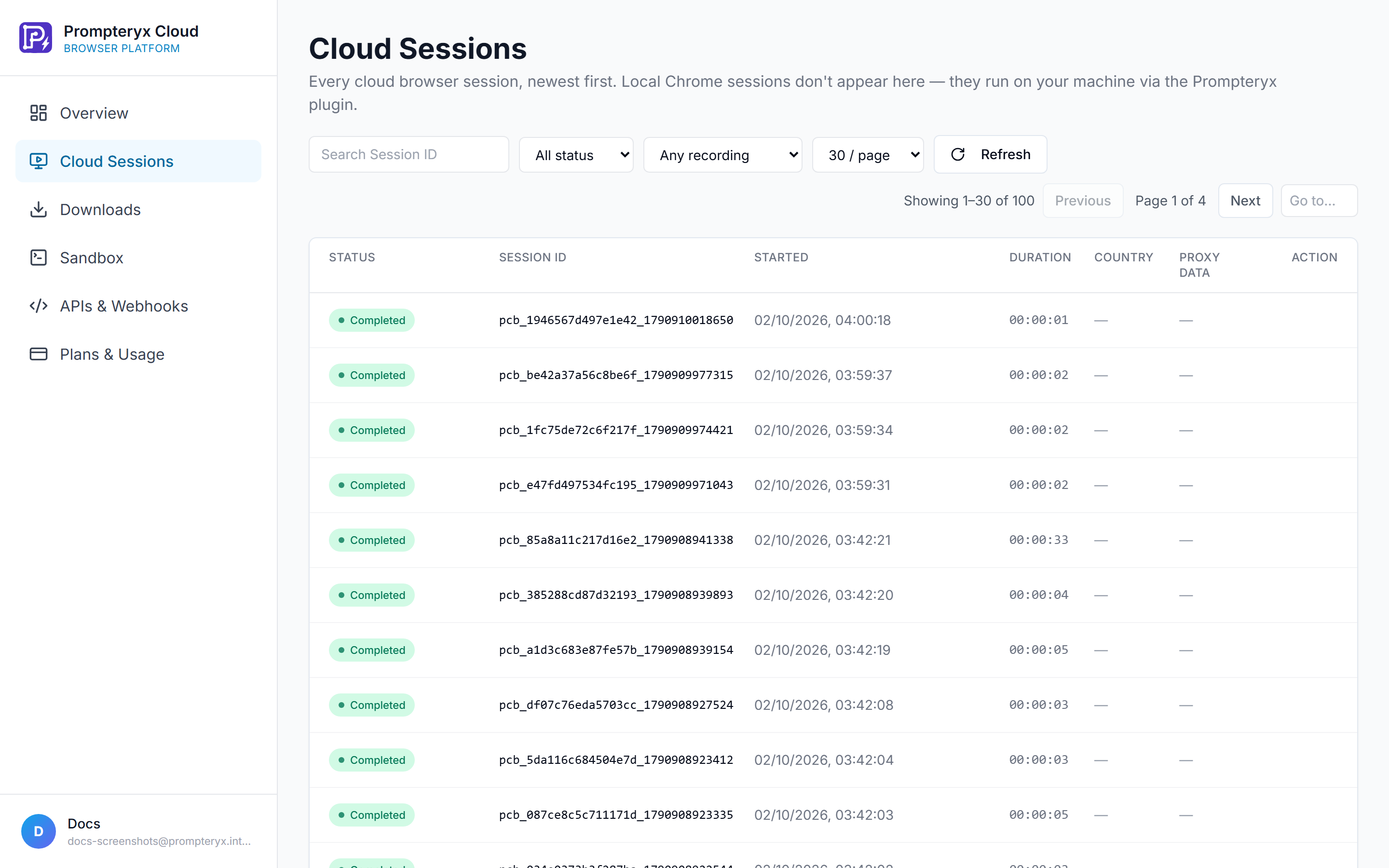
Every session has an interactive live view — a JPEG screencast with mouse + keyboard input forwarding. Open it programmatically:
const session = await pc.sessions.retrieve(browser._sessionId);
console.log("Live view:", session.liveURL);
// open it in a browser tab; you can also embed it in an <iframe>.
The liveURL carries a short-lived, per-session HMAC token — safe to embed; it can't create or touch other sessions and expires.
5. Same thing, no SDK
If you'd rather hit the REST API directly (e.g. from a language we don't have an SDK for):
curl -X POST https://www.prompteryx.ai/api/v1/cloud-browser/sessions \
  -H "x-api-key: $PROMPTERYX_API_KEY" \
  -H "Content-Type: application/json" \
  -d '{"recordSession": true, "proxy": true, "country": "GB"}'

# response:
# {
#   "id": "pcb_…",
#   "connectUrl": "wss://cb.prompteryx.ai/…?token=…",
#   "liveURL":    "https://cb.prompteryx.ai/…?token=…",
#   "status": "active",
#   "startedAt": "2026-…"
# }
Use connectUrl from any Chrome DevTools Protocol client (Python:
import os, requests
from playwright.sync_api import sync_playwright

res = requests.post(
    "https://www.prompteryx.ai/api/v1/cloud-browser/sessions",
    headers={"x-api-key": os.environ["PROMPTERYX_API_KEY"]},
    json={"recordSession": True},
)
connect_url = res.json()["connectUrl"]

with sync_playwright() as p:
    browser = p.chromium.connect_over_cdp(connect_url)
    page = browser.contexts[0].pages[0]
    page.goto("https://example.com")
    print(page.title())
    browser.close()
6. Zero-session: Fetch + Search
For "just give me the rendered page" or "do a web search", skip the session lifecycle entirely:
curl -X POST https://www.prompteryx.ai/api/v1/cloud-browser/fetch \
  -H "x-api-key: $PROMPTERYX_API_KEY" -H "Content-Type: application/json" \
  -d '{"url":"https://news.ycombinator.com","format":"markdown"}'
# → { url, finalUrl, title, status: "ok", content: "# …" }curl -X POST https://www.prompteryx.ai/api/v1/cloud-browser/search \
-H "x-api-key: $PROMPTERYX_API_KEY" -H "Content-Type: application/json" \
-d '{"query":"playwright cloud browser","limit":5}'
# → { query, results: [{ title, url, snippet }] }Quotas, errors, and what costs what
Each plan includes a monthly allowance of browser-minutes, proxy data, and concurrent sessions — see the live numbers on Pricing. When you run out, sessions are rejected with 429:
{
  "error": "Monthly browser-minutes used up (15000 on the Pro plan)",
  "code": "QUOTA_EXCEEDED",
  "reason": "minutes",
  "plan": "pro"
}
Watch usage live in Cloud Platform → Overview. Need more this month? Buy a one-off pack of extra cloud browser hours or proxy data from Subscription in the app (see Plans, credits and top-ups), or upgrade your plan.
Next steps
- Full API reference: Cloud Browser API
- Migrating from Browserbase / Browser Use / Puppeteer Cloud: Migration guide
- No-code: build the same automation visually in Visual Studio or describe it to the AI Browser Agent