Platform Overview
What Prompteryx is, the ways you can automate with it, and where to go deeper.
Prompteryx is an AI platform for getting work done on the web. You can tell an AI agent what you want done in plain language, or build a precise, repeatable workflow visually. Both can run in your own Chrome on your machine or in an always-on Cloud Browser, on demand or on a schedule, and both connect to your other tools through Connect Hub.
It all starts in the app
When you sign in you land on the Prompteryx app: one chat where you ask for anything, with any model. It builds websites and games, makes images, video, music, voiceovers and sound effects, writes documents, slides and spreadsheets, does cited research, starts the AI Browser Agent when a task needs a website, builds workflows and uses your connected apps. Projects, Explore and Schedules live in its sidebar, next to links to the full-page tools described below; Memory, Skills and Connections are in its account menu. See What you can make and AI Browser Agent in the chat.
The Prompteryx appTwo ways to automate
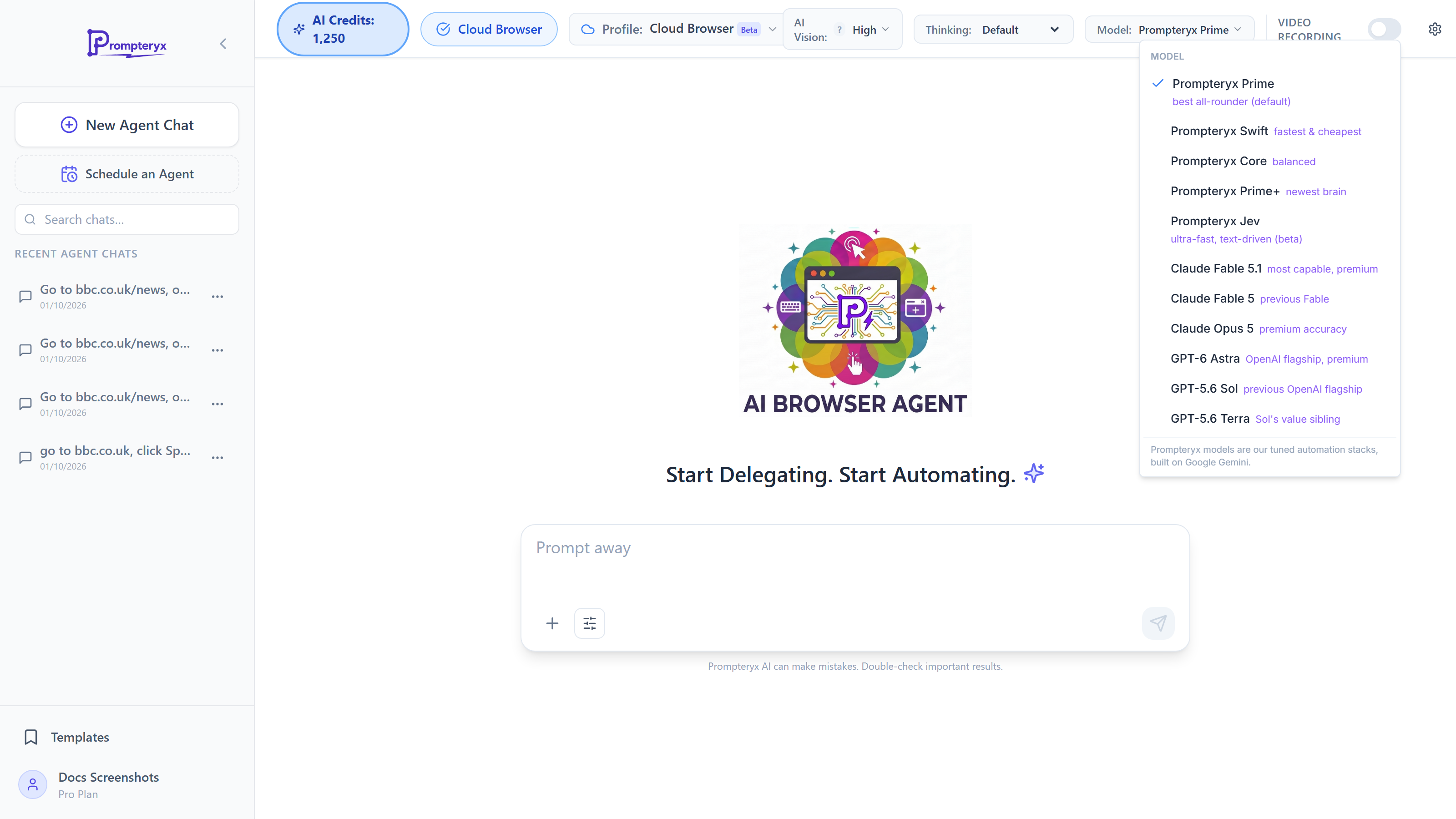
Type what you want — “find the three cheapest listings and give me a table” — and the agent navigates, clicks, types and reads pages until it has your answer. Pick the AI model per run, get results as text or structured JSON, fan a batch out across parallel agents, and export the recorded actions as a reusable workflow once the AI has figured the task out.
Compose browser actions (open page, click, fill, extract), control flow, AI steps and integrations into a workflow you can test, schedule and share. Deterministic and free of per-step AI cost — ideal once a process is nailed down. Start with Creating Workflows or browse the node reference.
Visual Studio docsWhere automations run
With the Prompteryx in Chrome and Prompteryx Desktop, automations run in your real browser with your real logins — including a sidebar agent that works on whatever tab you have open.
A managed browser that runs without your machine: live view, persistent profiles that stay signed in, residential proxies, video recording, and downloads captured for you. The AI Browser Agent runs here whenever your desktop app isn't connected, so there is nothing to install to get started. Best for schedules that must run while your computer is off. Cloud Browser docs.