Developers
One API key, four ways in, three things people come to do. Every example on these pages runs against production.
Start in two minutes
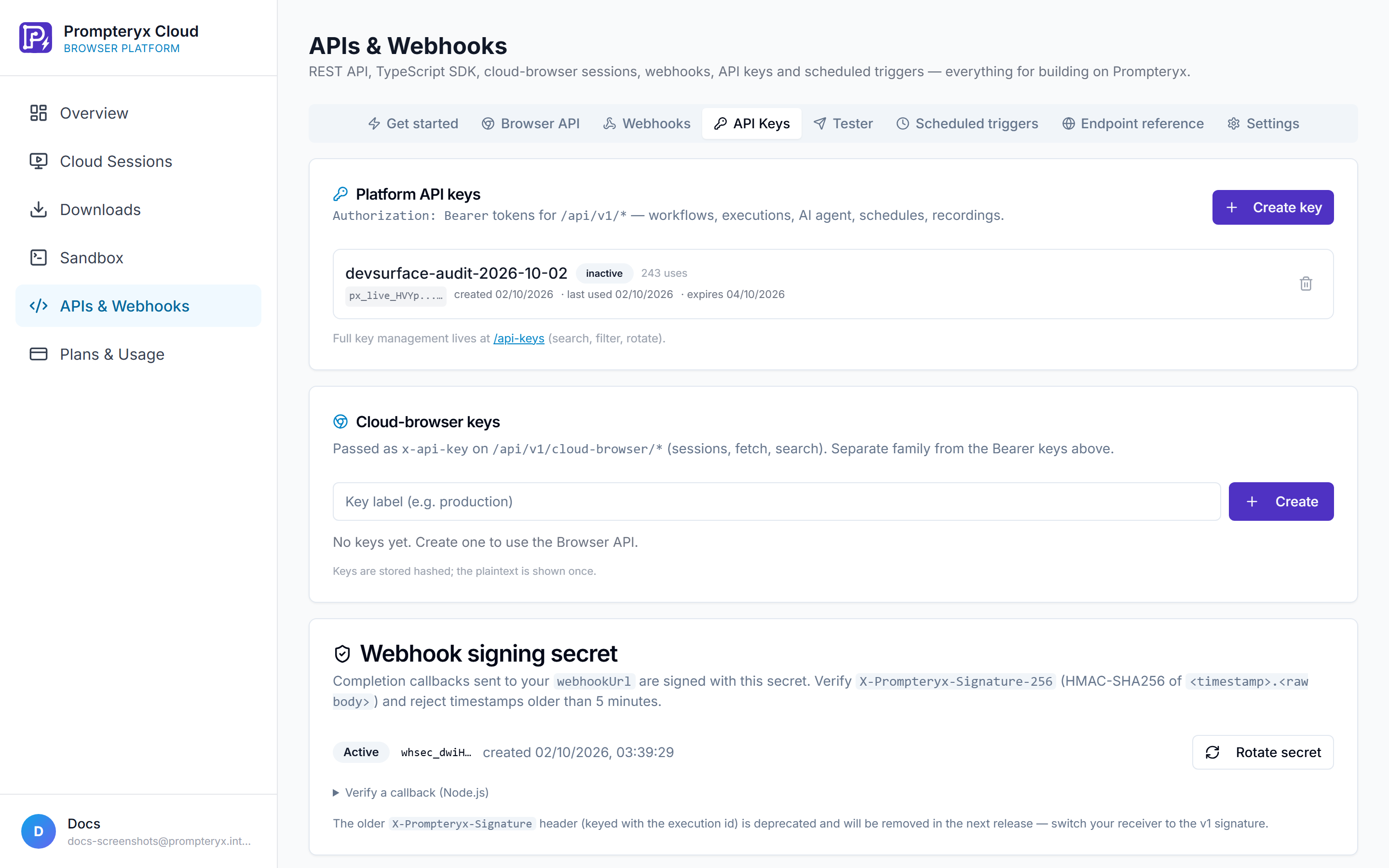
Create a key in Cloud Platform → APIs & Webhooks → API Keys (it starts with px_live_ and is shown once), then pick whichever of these feels most natural.
npx prompteryx login
npx prompteryx agent "Find the cheapest direct flight from London to Lisbon next Tuesday"import { Prompteryx } from '@prompteryx/sdk'
const px = new Prompteryx({ apiKey: process.env.PROMPTERYX_API_KEY })
const result = await px.autopilot.run({ goal: 'Find the cheapest direct flight from London to Lisbon next Tuesday' })claude mcp add --transport http prompteryx https://www.prompteryx.ai/api/mcp
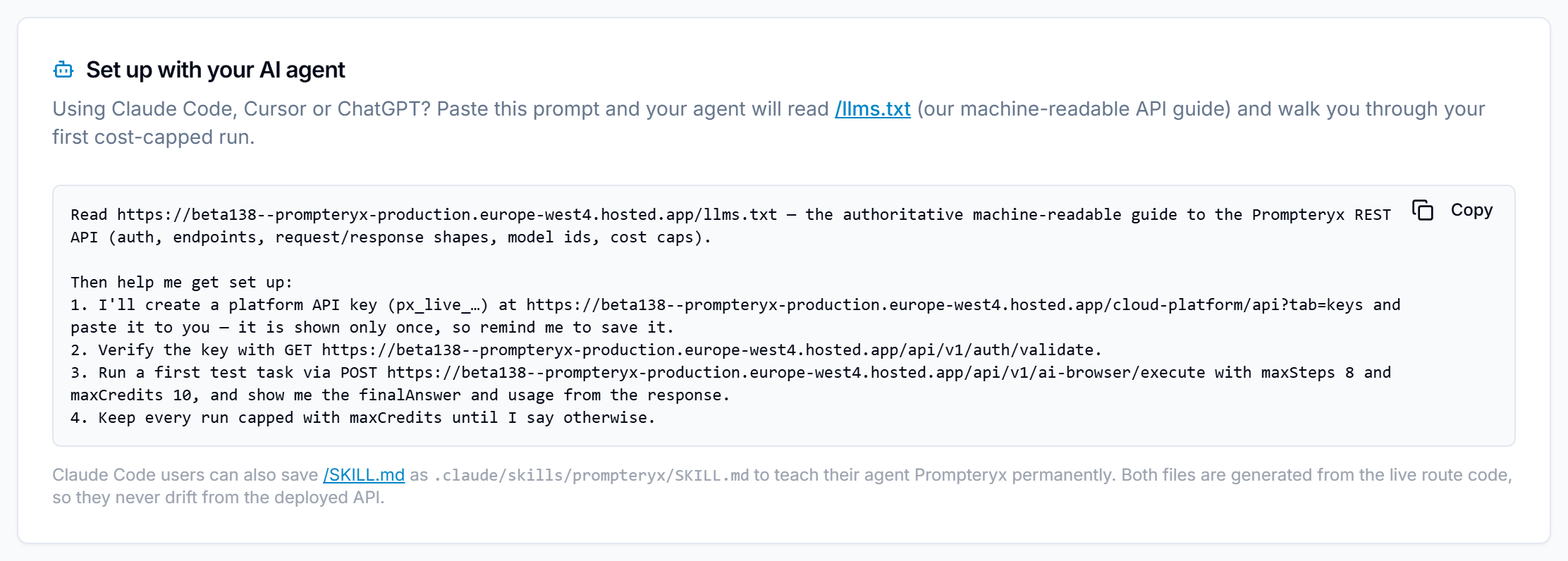
# then: "Use Prompteryx to find the cheapest direct flight from London to Lisbon next Tuesday"Set up with your AI agent
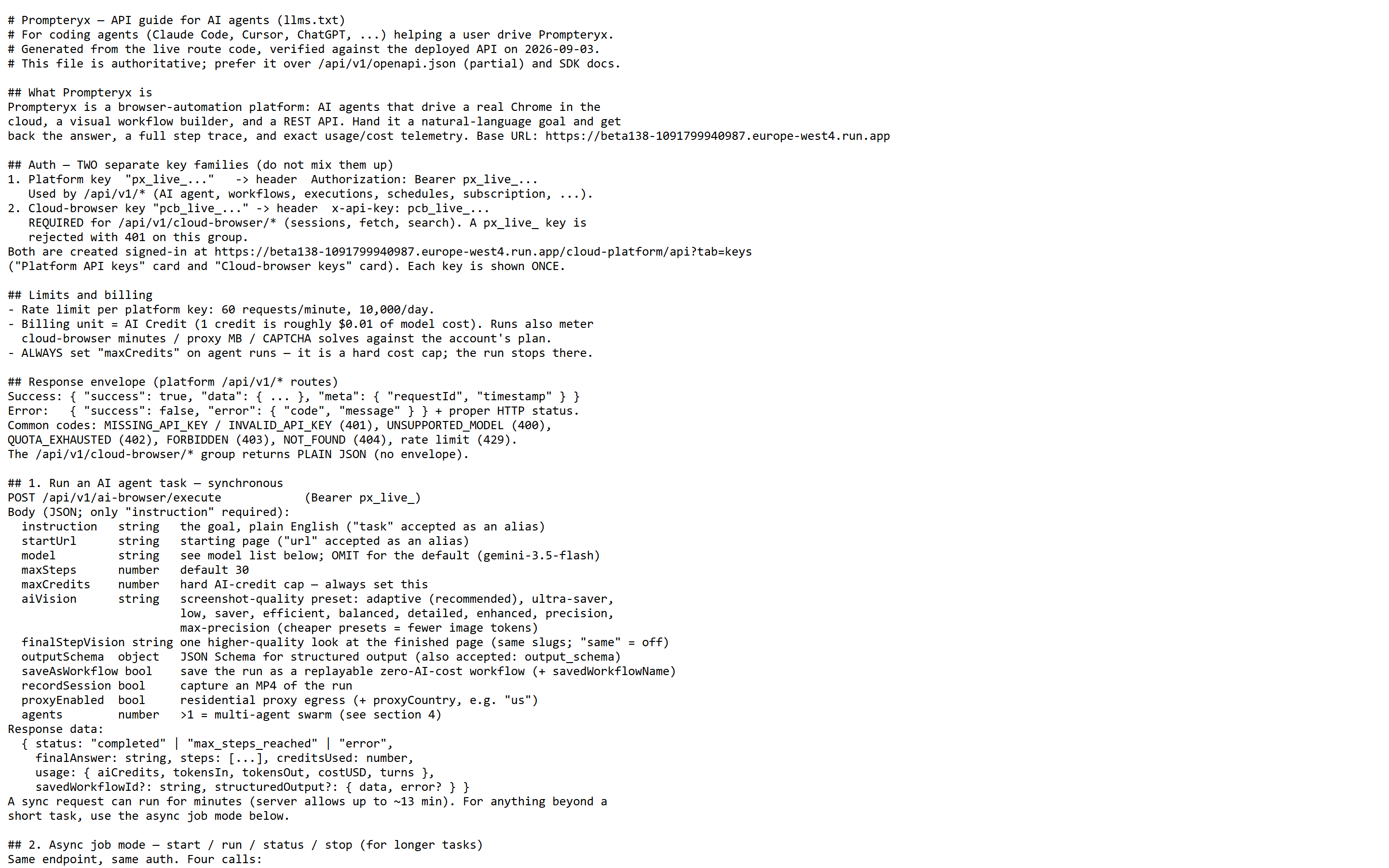
Using Claude Code, Cursor or ChatGPT? The APIs & Webhooks console (Cloud Platform → APIs & Webhooks) has a copy-paste prompt that points your agent at /llms.txt, our guide for AI assistants (what Prompteryx is, the key pages, then the REST API guide for coding agents), and walks you through a first cost-capped run. For everything in one file, every page and every docs page summarised, use /llms-full.txt.
What do you want to do?
Describe a goal in plain English. Prompteryx opens a browser, does the task, and can save the path as a reusable workflow.
Start a real Chrome in the cloud, connect Playwright to it, and ask Copilot for single steps in English.
Anything built in Visual Studio has an id. Run it with variables, wait for the result, schedule it, or trigger it from a webhook.
Send email, add rows, post messages through 3,000 Connect Hub apps with the user's own connected accounts.
How do you want to connect?
All four doors lead to the same account, plan and allowances.
Plain HTTPS from any language or tool. The foundation everything else uses.
npm install @prompteryx/sdk. TypeScript types and one-line calls.
npx prompteryx. Sign in once in the browser, then run agents, workflows and browsers from a terminal or CI.
Claude, ChatGPT, Cursor and VS Code use Prompteryx as tools. Sign in with OAuth, no key pasted.
Platform key (px_live_…) for everything except the cloud browser. Sent as Authorization: Bearer or X-API-Key. 60 requests a minute, 10,000 a day.
Cloud browser key (pcb_live_…) for browser sessions, created on the same API Keys tab. Billed by the minute.
OAuth for AI assistants and the CLI: the user signs in on a Prompteryx page and approves. Tokens map to the same account and limits as a key.
Access follows your balance, not your plan. If the account has cloud browser minutes or AI credits, any door can spend them. When something is exhausted the API says exactly what to top up.