Social Media Automation
Schedule and publish to any platform through a real browser — no fragile APIs, using your own logged-in accounts, driven by a content calendar.
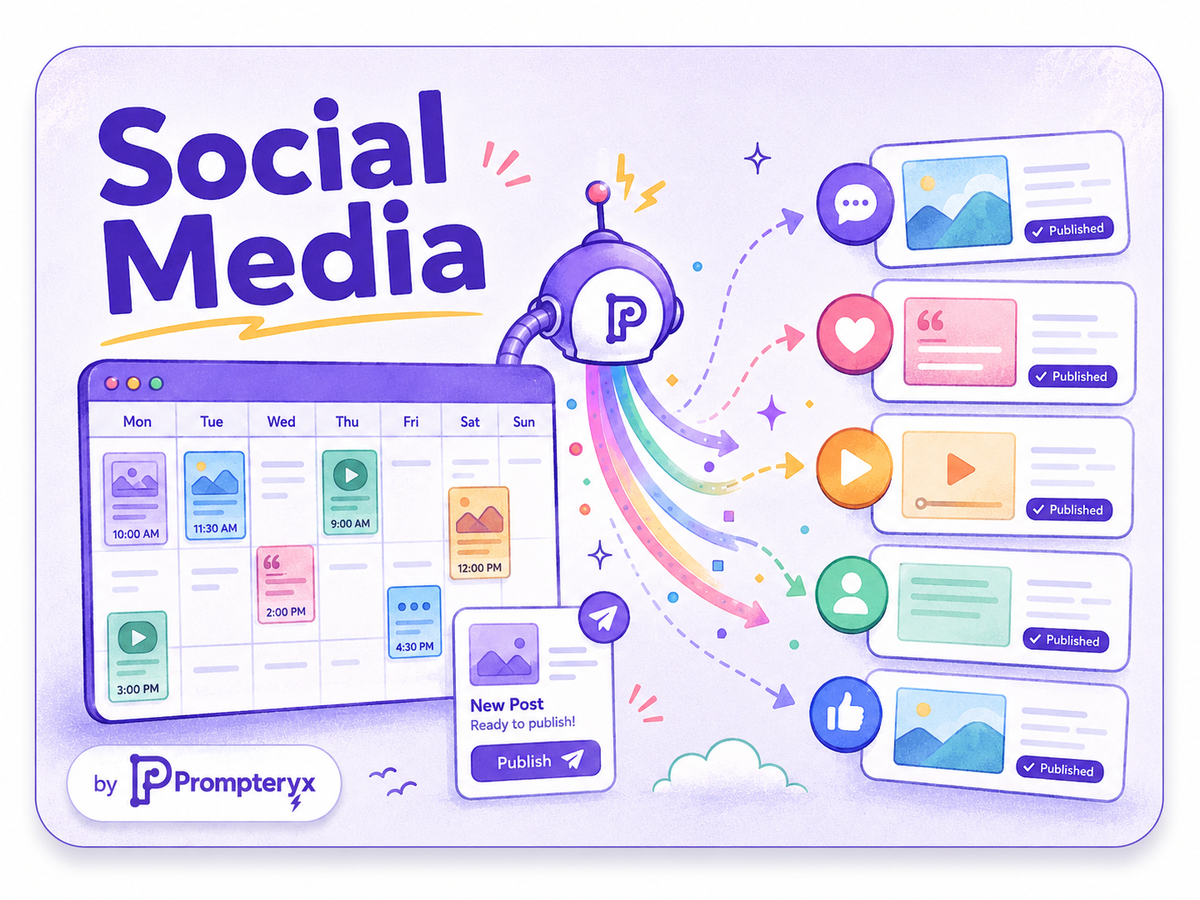
Social platform APIs are expensive, rate-limited, and constantly changing what they'll let you do. But anything you can do in the browser, Prompteryx can do too — log into your accounts, open the composer, attach media and publish — without touching an API at all.
Drive the whole thing from a content calendar in Google Sheets, run it on your own Chrome so it posts from your genuine logged-in accounts, and let the schedule publish at the right times while you focus on the content.
The problem
Official APIs gate the features you actually want, charge for access, or don't exist for the platform you need — and third-party schedulers lock you into their supported networks.
How it works in Prompteryx
Keep your posts, captions, media and publish times in a Google Sheet — the single source of truth.
On a schedule, open the platform, log in (or reuse your local session), and start a new post.
Type the caption, upload the image or video, and set any options — exactly as you would by hand.
Post on the calendar's schedule across one or many accounts.
Each publish is recorded as video, so you have proof the post went out and how it looked.
Start from a working workflow
Social Media Post Scheduler
Read a content calendar from Sheets, open the platform, compose the post and publish — works without any API.
See it in Prompteryx
Why Prompteryx for this
No API required
Drive the real web interface, so you get features and platforms that APIs gate, charge for, or don't offer at all.
Your own accounts
Run on local Chrome with your genuine logged-in sessions, so posts come from your real, trusted accounts.
Calendar-driven scheduling
A Google Sheets content calendar plus server-side scheduling means the right post goes out at the right time, automatically.
Multi-account, multi-platform
The same workflow pattern works across any network and any number of accounts.
Real-life examples
Publish the same announcement to several networks at once from one calendar row, each on its own native composer.
Schedule a week of content across accounts from a sheet and let it publish on cadence without manual posting.
Scrape mentions or comments on a schedule and log them to a sheet for the community team.
Frequently asked questions
Does this use the platform's official API?
No — and that's the point. It drives the real browser interface, so it works on platforms with no API and unlocks actions that APIs restrict or charge for.
Will posts come from my real account?
Yes. Run on your local Chrome with your existing logged-in session and posts publish from your genuine account, exactly as if you posted them yourself.
How are posts scheduled?
From a Google Sheets content calendar combined with server-side scheduling — the workflow checks the calendar and publishes due posts on time.